I have two TP-Link security cameras that I purchased in July 2025. I bought the first one at Amazon.ca. TP-Link Tapo 2K 4MP QHD Security Camera Outdoor Wired, built-in Siren w/Startlight Sensor, IP66 Weatherproof, Motion/Person Detection, Works with Alexa & Google Home(Tapo C320WS).
I like the features:
- Outdoor
- Wi-Fi
- Wired
- Full color
- Weatherproof
- 2K
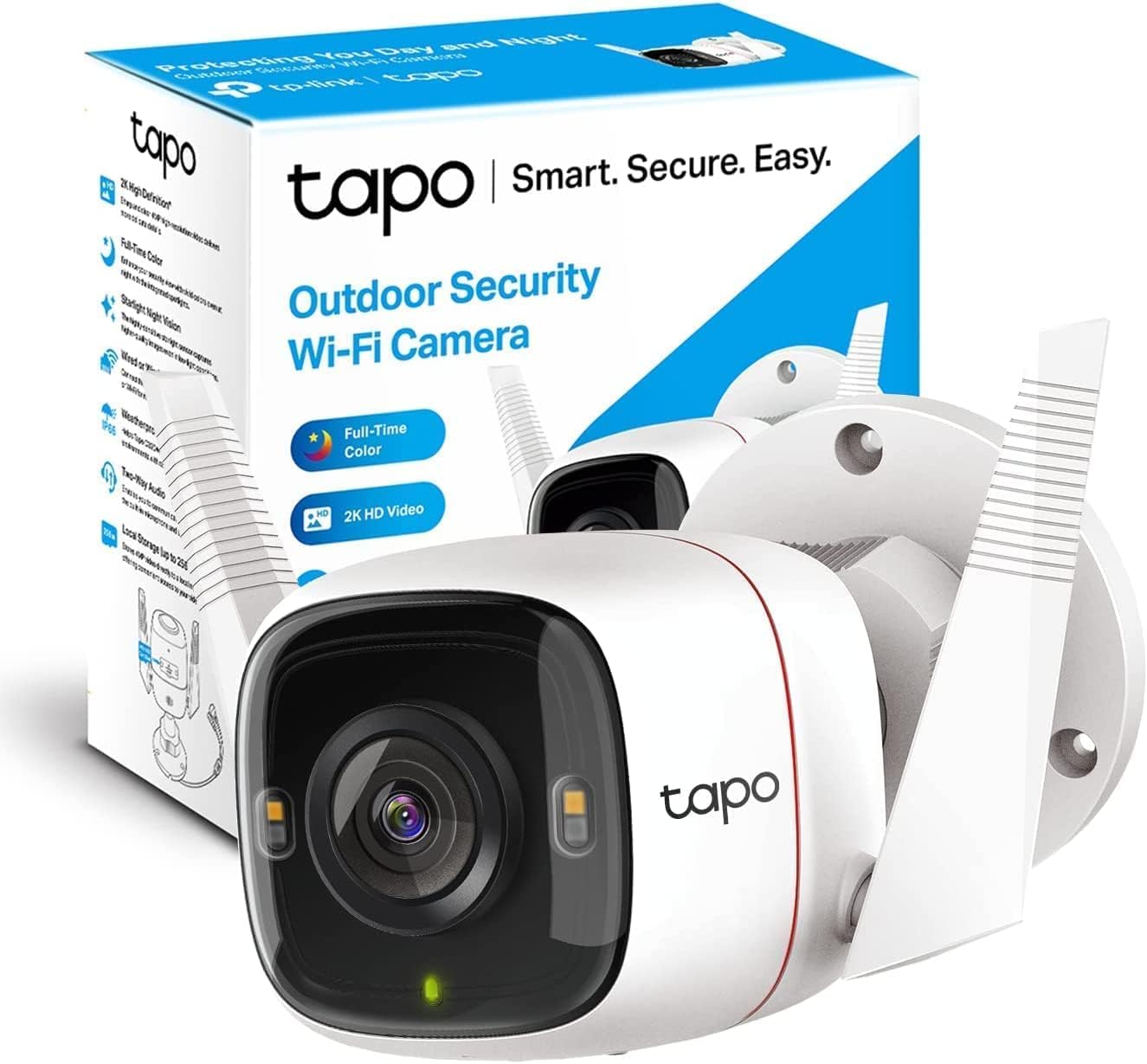
I paid $44.79 with tax.
The other one, I bought from Tmall.com. It is a Chinese Amazon. Shipped to a warehouse, then transported to Canada. It is only CNY149. Converted to Canadian dollars, it is $29.19 only.
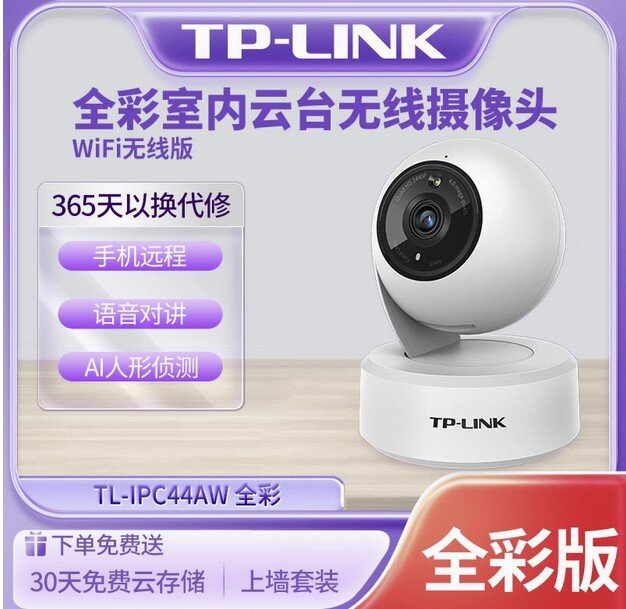
It is TL-IPC44AW. The features:
- Fullcolor
- 3MP
- Remote control
- Wi-Fi only
It is designed for indoor use. But I installed it in the backyard, under the deck. So no water exposure.
Setups
C320WS setup
Install the Tapo App on my Google Pixel phone. Follow the instructions, step by step. Add the Camera, and add the WiFi setting.
There is one important point. I will use it in the Synology system. I need to set up a camera account in the Advanced settings. (A set of Username and Password) It will be used to verify the camera.
IPC44AW Setup
It is a kind of weird. I have to install a TP-Link 物联 through an APK file. It needs a mainland China cellphone number to register the account.
Same here, I need to add it to Synology later. So I should add a password to the camera settings in the App. The Username is admin. I can not change it.
Oh, I use IoT SSID for Wi-Fi connection.
Synology Surveillance Station
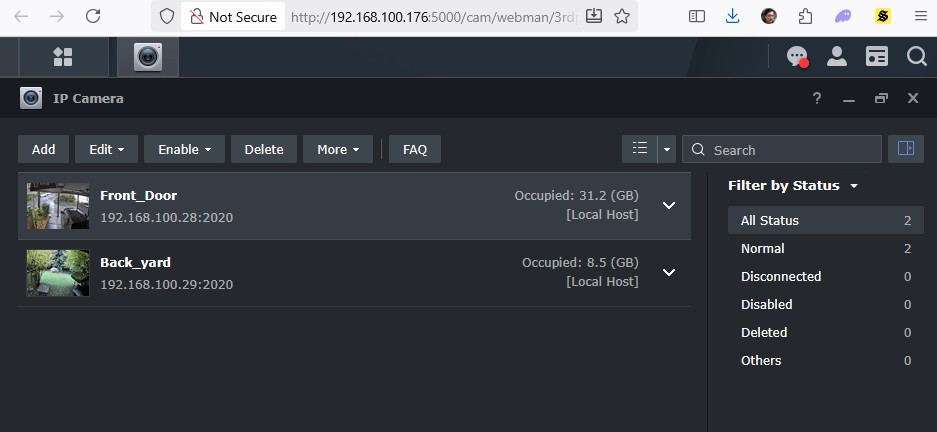
Front door, I use the C320WS. It has better night screen quality.
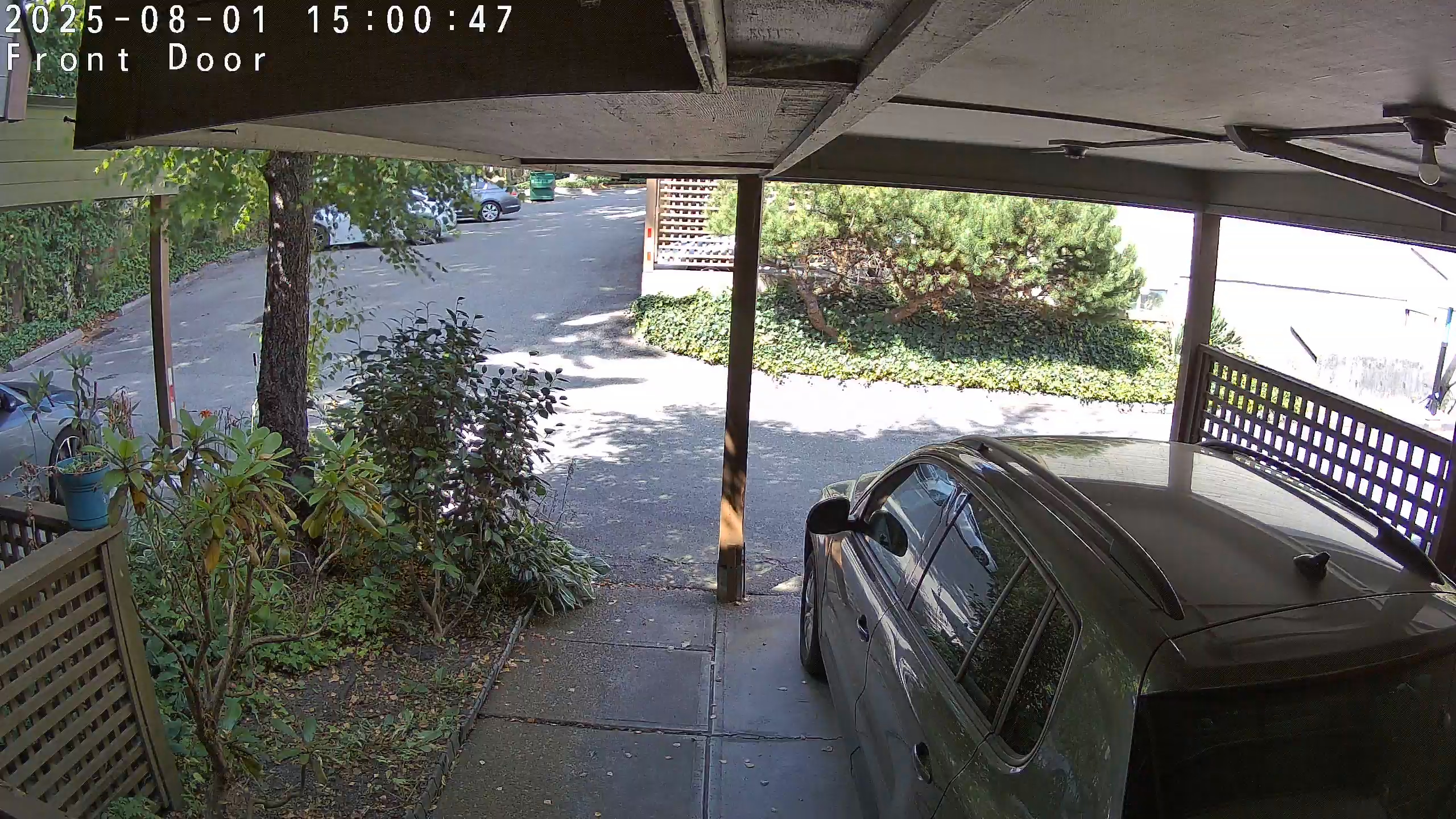
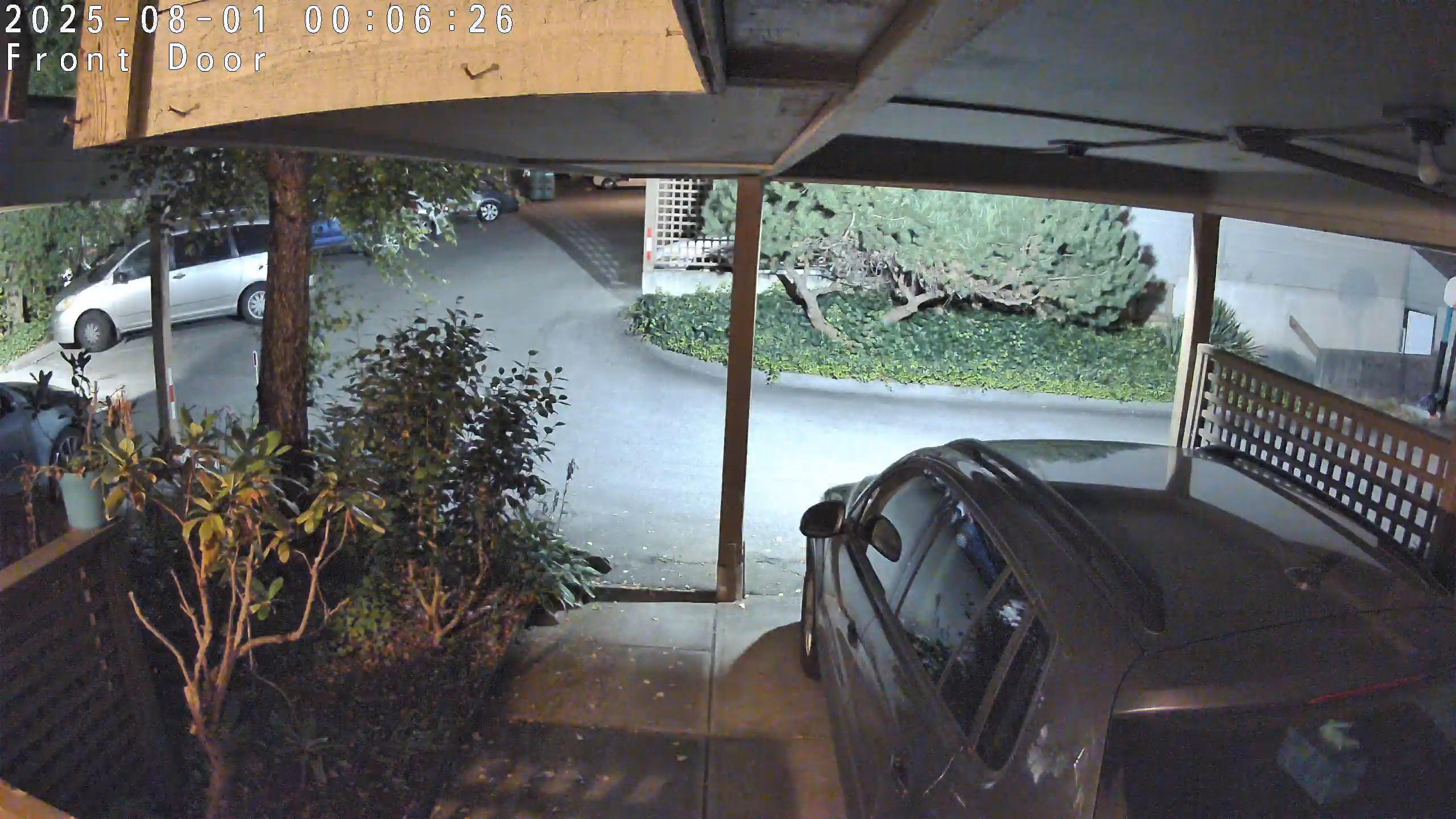
C320WS
C320WS has good video quality. I have a light on the carport.
In the backyard, I use the IPC44AW. Normally nobodyis there.
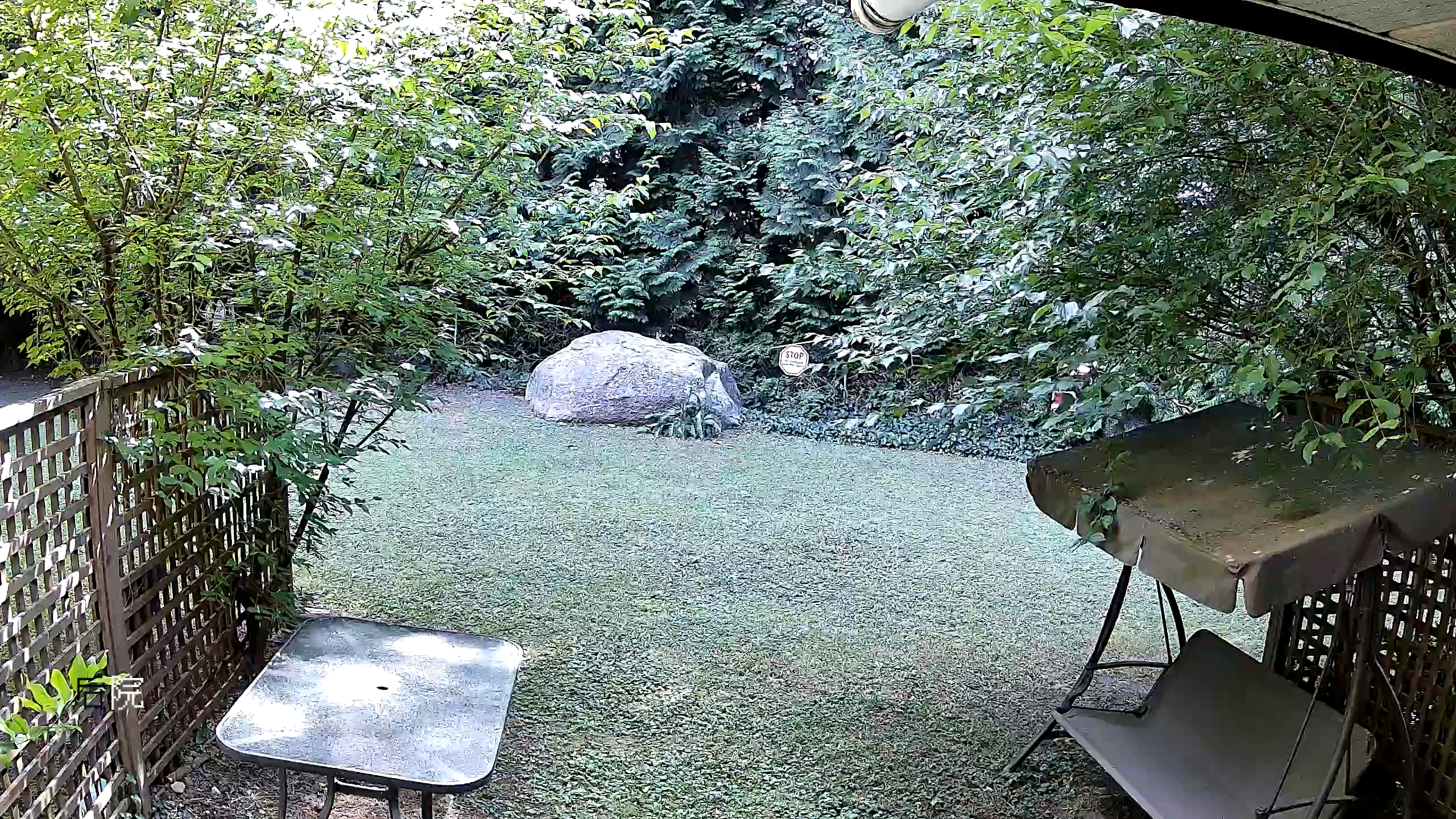
IPC44AW
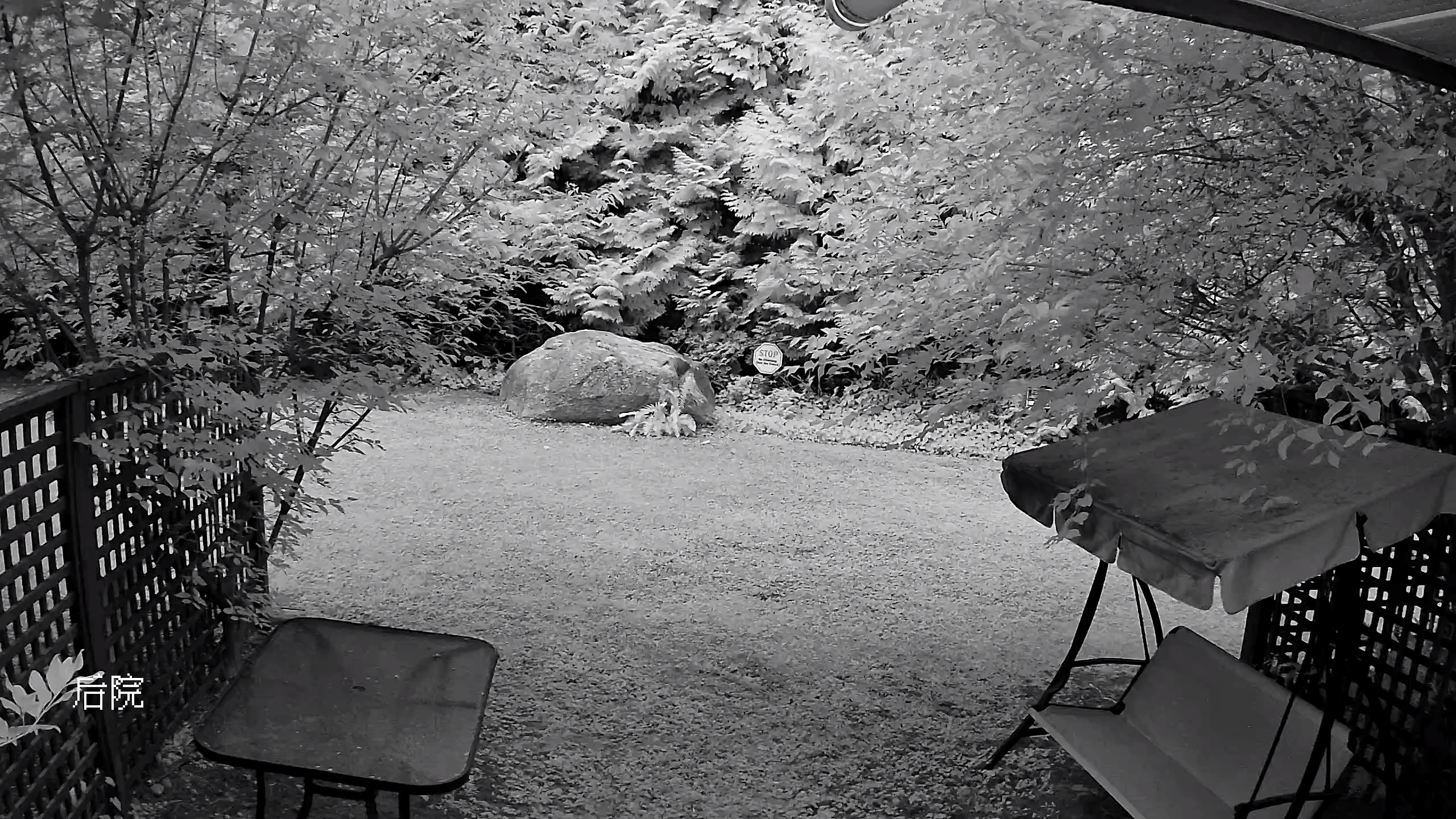
IPC44AW
Some great points
They both have video and sound. I can talk to the people who stand in front of the camera. I enabled the Event detection for recording.
I installed the DS Cam App on my cellphone. I can check the recording and see the live 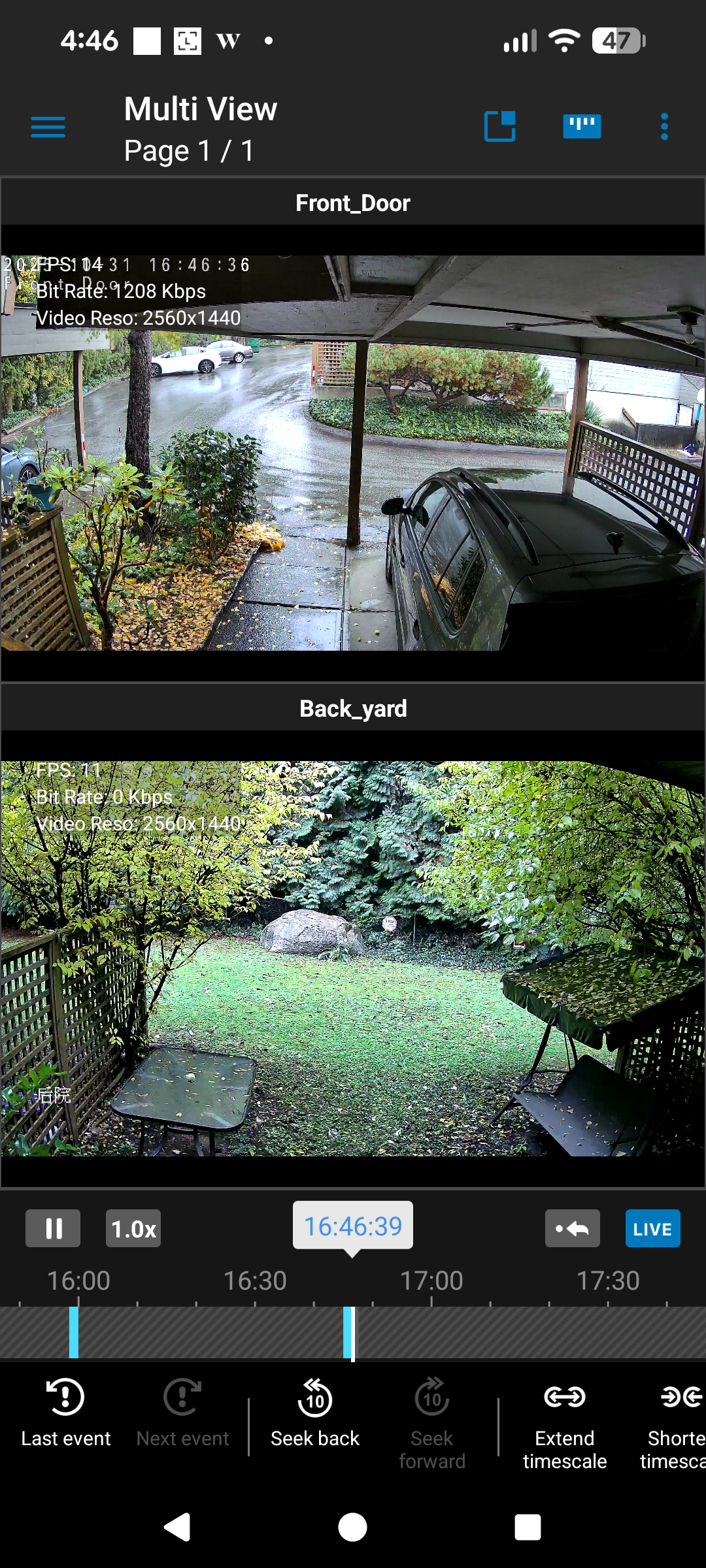
There is something I don’t like about it. I posted on my Chinese blog. See the end of that post.