One night, the router is stopping working. It is powered by OPNsense. So, how can I do?
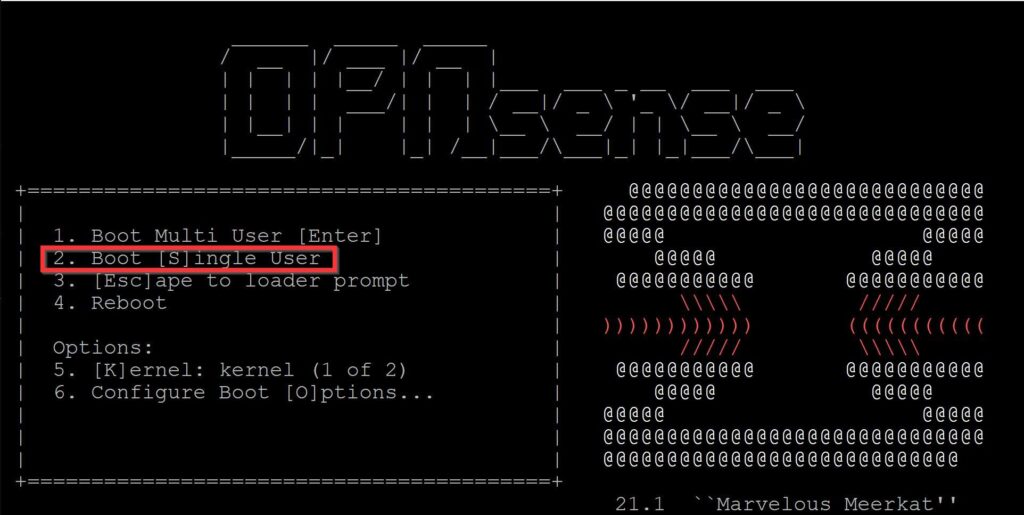
First, boot it to single-user mode.
Reboot, of course, the device is rebooting repeatedly.
Enter boot Menu, select the second option.
Access shell.
Find the name of the USB disk
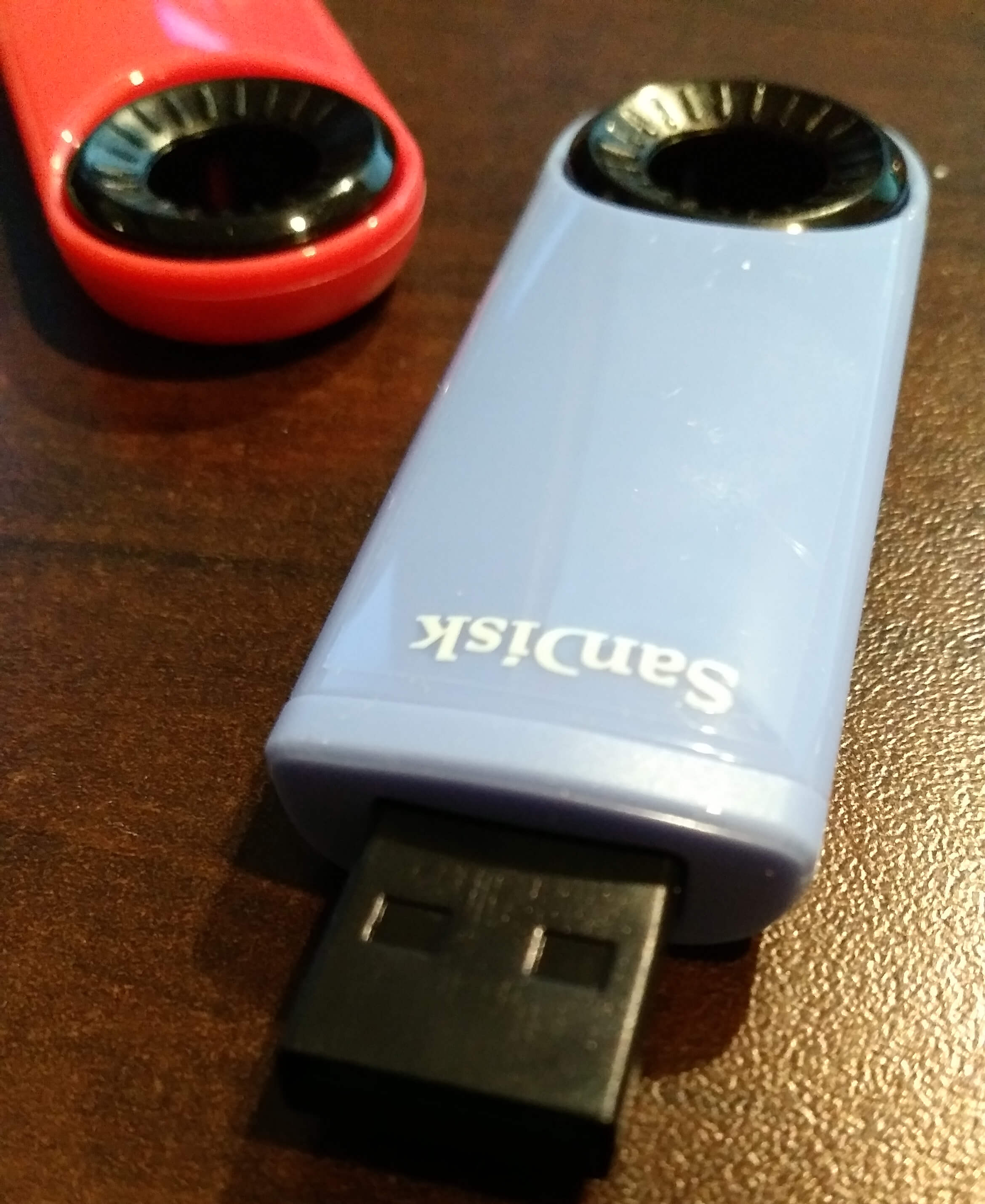
I plug the USB disk into the router.
There is a bunch of information popping up. Just hit Enter to ignore it.
Run the command to list all the items in the /dev folder.
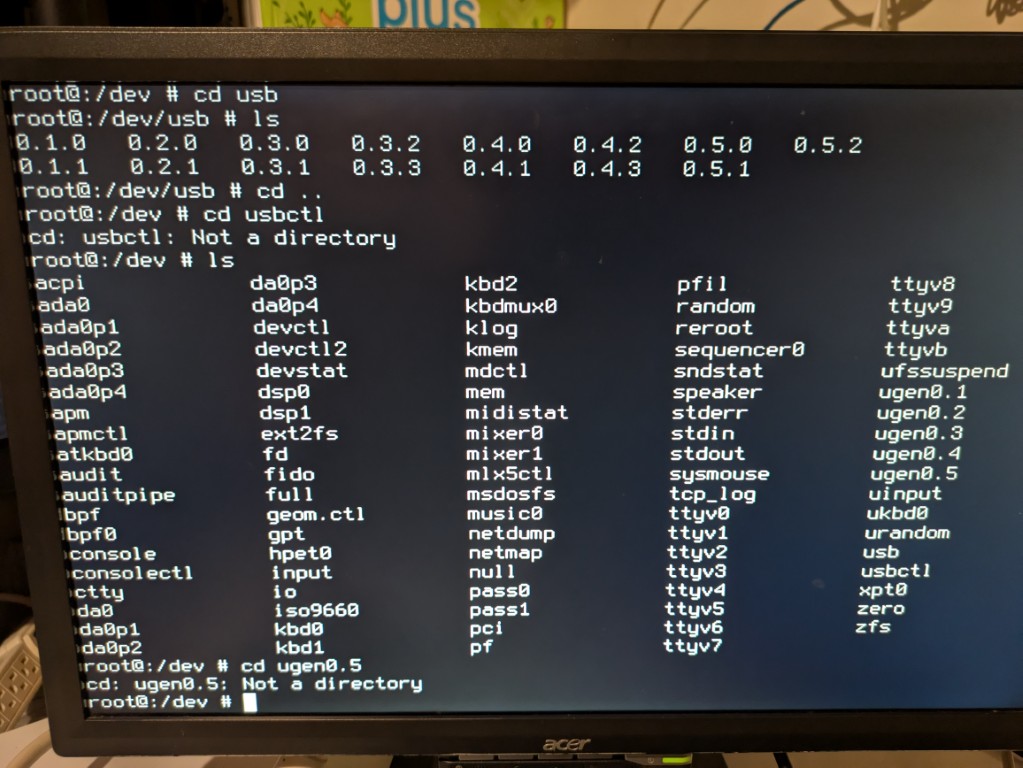
After comparing the items before and after plugging in the USB disk, I found that these items are new.
- da0
- da0p1
- da0p2
- da0p3
- da0p4
I know the format is FAT32.
Another USB disk I tried is da0s1.
Mount the USB disk
Run the command to mount it.
mount -t msdosfs /dev/da0s1 /mnt
So, I did it and I can copy files to /mnt folder, which is on the USB disk.
OPNsense is built on top of FreeBSD. It is a different system from Linux.
I main point is to copy the configuration backup file to the USB disk. Then I can rebuild my OPNsense and restore all the settings.
The configuration backup files are located at /conf/backup/.