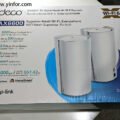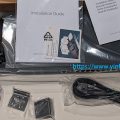
I received the TP-Link APs last November or December. I can recall the exact day. OK, I got two EAP770 and one EAP725.
Let me put the descriptions of them.
EAP770
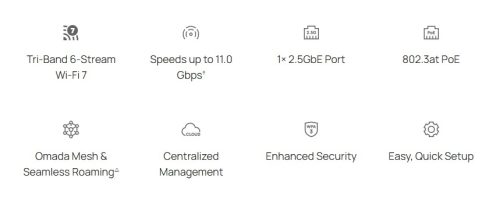
BE11000 Ceiling Mount Tri-Band Wi-Fi 7 Access Point.
- BE11000 Tri-Band Wi-Fi 7: 5765 Mbps (6 GHz) + 4324 Mbps (5 GHz) + 688 Mbps (2.4 GHz). Buffering will no longer be a problem.
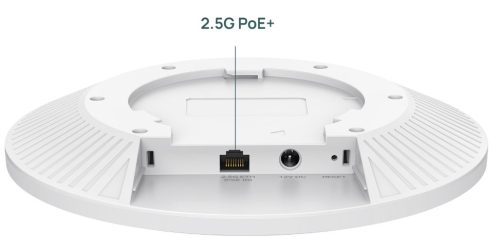
- 1× 2.5G Port: Unlock the full potential of Wi-Fi 7.
- Clear 6 GHz Band: Brings cleaner and wider band resources to your Wi-Fi.
- 320 MHz Bandwidth: Up to 320 MHz bandwidth enables many more simultaneous transmissions at the fastest possible speeds.
- Low Latency and Interference: Multi-Link Operation, and Multi-RUs ensure high performance of your network.
- Advanced Functions: Supports centralized management, Mesh, and Seamless Roaming


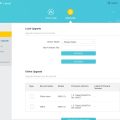
Oh, I managed it with Omada Controller software, which is running in a VM.
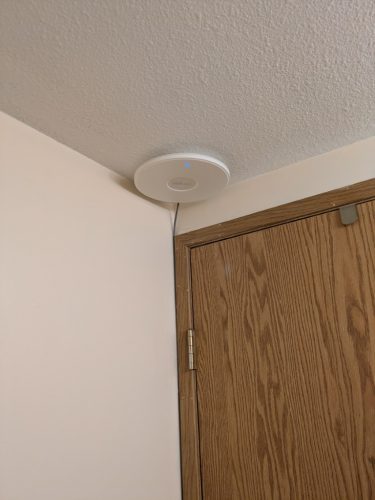
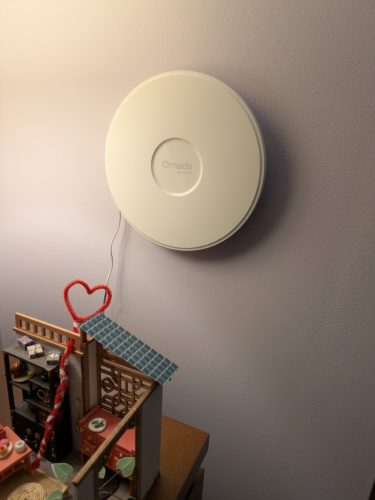
The second EAP770 AP I installed in the second floor, vertically on the wall. I give it power only. So it is wirelessly connected to the network.

EAP725-Wall
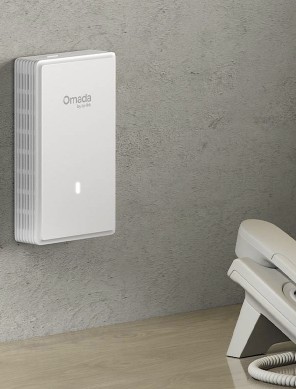
BE5000 Wall Plate Wi-Fi 7 Access Point
- Dual-Band Wi-Fi 7: 4324 Mbps on 5 GHz and 688 Mbps on 2.4 GHz.
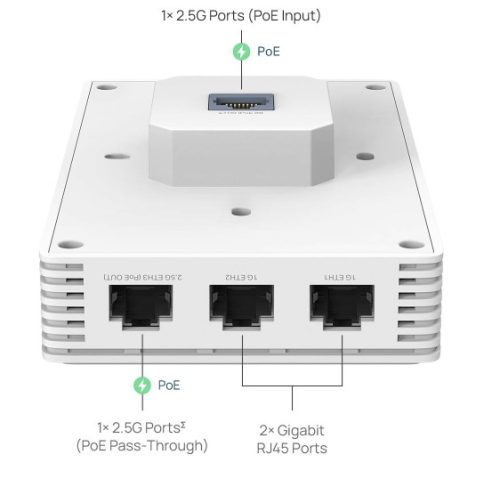
- Versatile Ports with PoE Flexibility: 1× 2.5G PoE Input port, 1× 2.5G PoE pass-through port, and 2× Gigabit downlink ports.
- Low Latency and Interference: Multi-Link Operation, Multi-RUs, and 4K-QAM ensure high performance for your network.
- Complete In-Room Wi-Fi Coverage: Guaranteed strong signals and corner-to-corner Wi-Fi coverage up to 750ft² (70 ㎡).
- Flexible Deployment and Easy Setup: Supports 802.3at/bt PoE for flexible installation with Omada SDN for one-click setup.
- Advanced Features: Supports centralized cloud management, Mesh, and Seamless Roaming.
- More Connections: Supports 250+ concurrent connections.

Now the EAP725 is in the basement.
I removed an Ethernet panel that I customized on the bookshelf. Connected the existing CAT5e cable to the EAP725. Mount it on the existing box. Due to the space under it I have to install the EAP725 upside down.

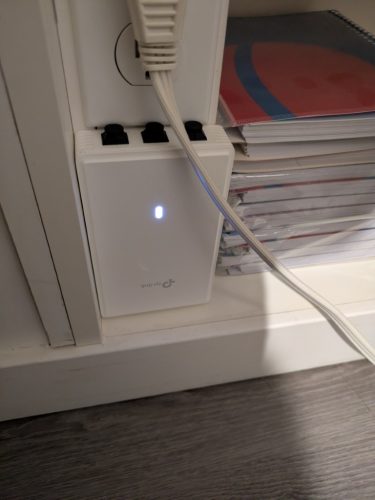
For dust prevention, I 3D printed three RJ45 plugs.
Conclusion:
My house is three levels. I put one AP on each floor. And each AP can cover more than 750 sq ft.
Because the AP is only good for one floor, I implemented three APs on three floors.
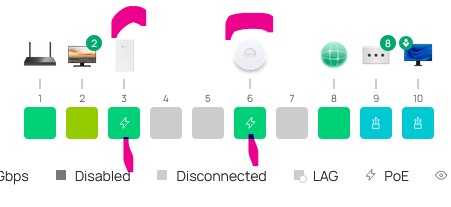
I am also using Omada Controller software to manage them. The screenshot below is from Omada Controller.



Related posts: